
We love driving our Broncos off-road and if you are starting that journey yourself, one of the tools you need is navigation. Although I am a huge fan of paper maps, I realize that often times, it’s easier and just as accurate to use a trail app. GPS systems like the Garmin Tread are amazing but are expensive, and at a price point many new to off-roading may hesitate to invest in. Today’s off-road trail apps do far more than just show a dot on a map, they help you discover trails, assess trail difficulty, navigate without service, and share your routes with your friends. Choosing the right one, one that you actually learn and know how to use, can make the difference between a smooth day on the trail and a frustrating, or even risky, experience. You should have a trail app on your phone, even if it’s a secondary tool.
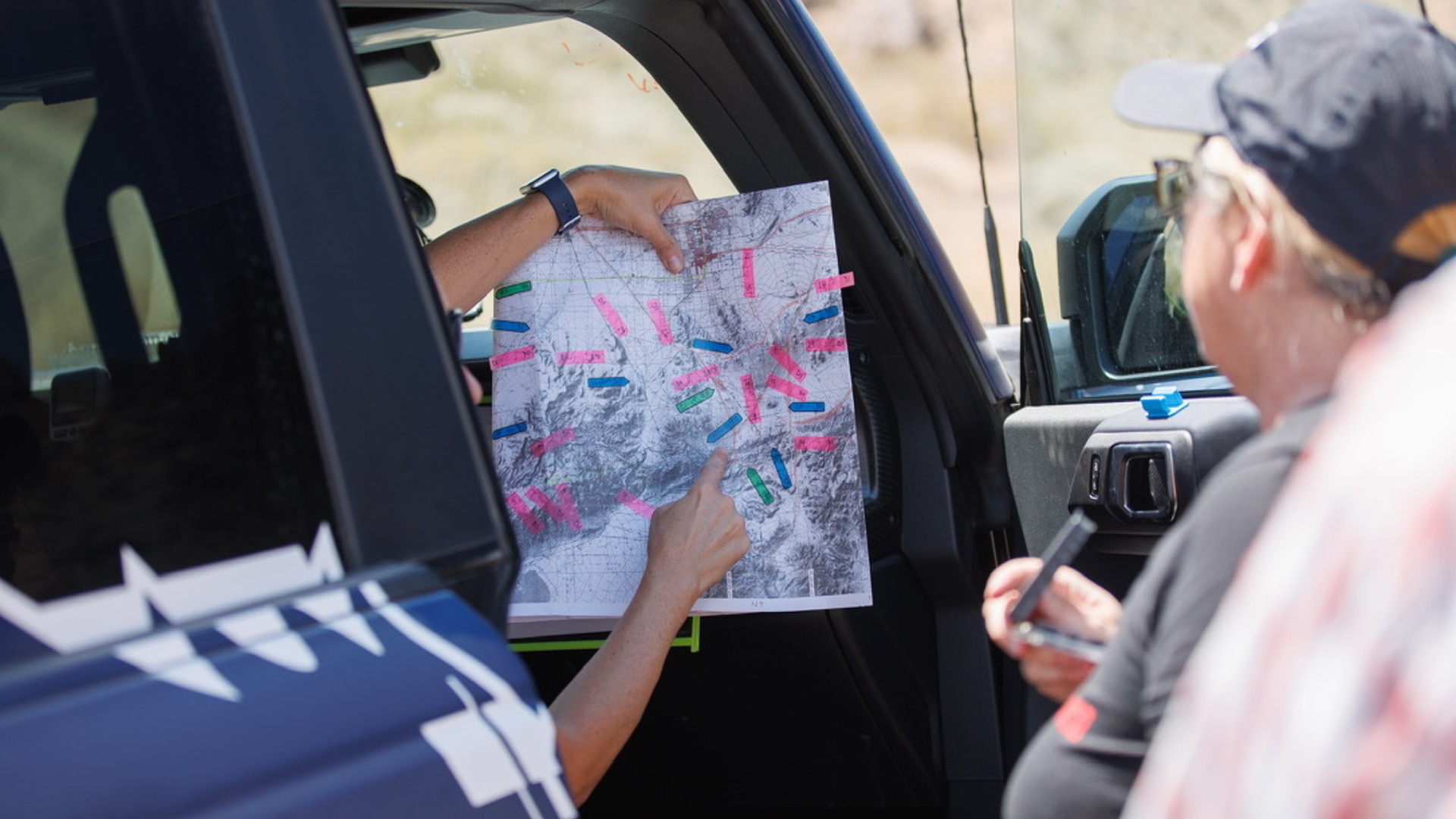
Why You Need an Off-Road Trail App
Out on the trail, cell service is often nonexistent and even if you have service, typical map apps or even the navigation on your Bronco, will at times show you driving through empty space with no features or roads. This is because most navigation is set up for paved areas, not the expanse of off-road spots you find, especially in the American West. A proper off-road app shows you all these features, uses your phone’s GPS and downloaded offline maps so you can still navigate confidently.
The best apps combine trail discovery and navigation in one place, verified trail data and difficulty ratings, offline reliability, and route planning and sharing tools. Without one, you’re relying on memory, guesswork, or pioneering, none of which are ideal in remote terrain. I can’t tell you how many times I’ve run into people on the trails with no idea where they are or the difficulty level of the route, they are “exploring”. A good trail app, that you know how to use, can take you with confidence to spots you never knew existed or would ever have found otherwise, which is exploring level 2.
The Big Players in Off-Road Navigation
Below is a list of the most common trail apps and typical annual costs, along with pros, cons, and features.
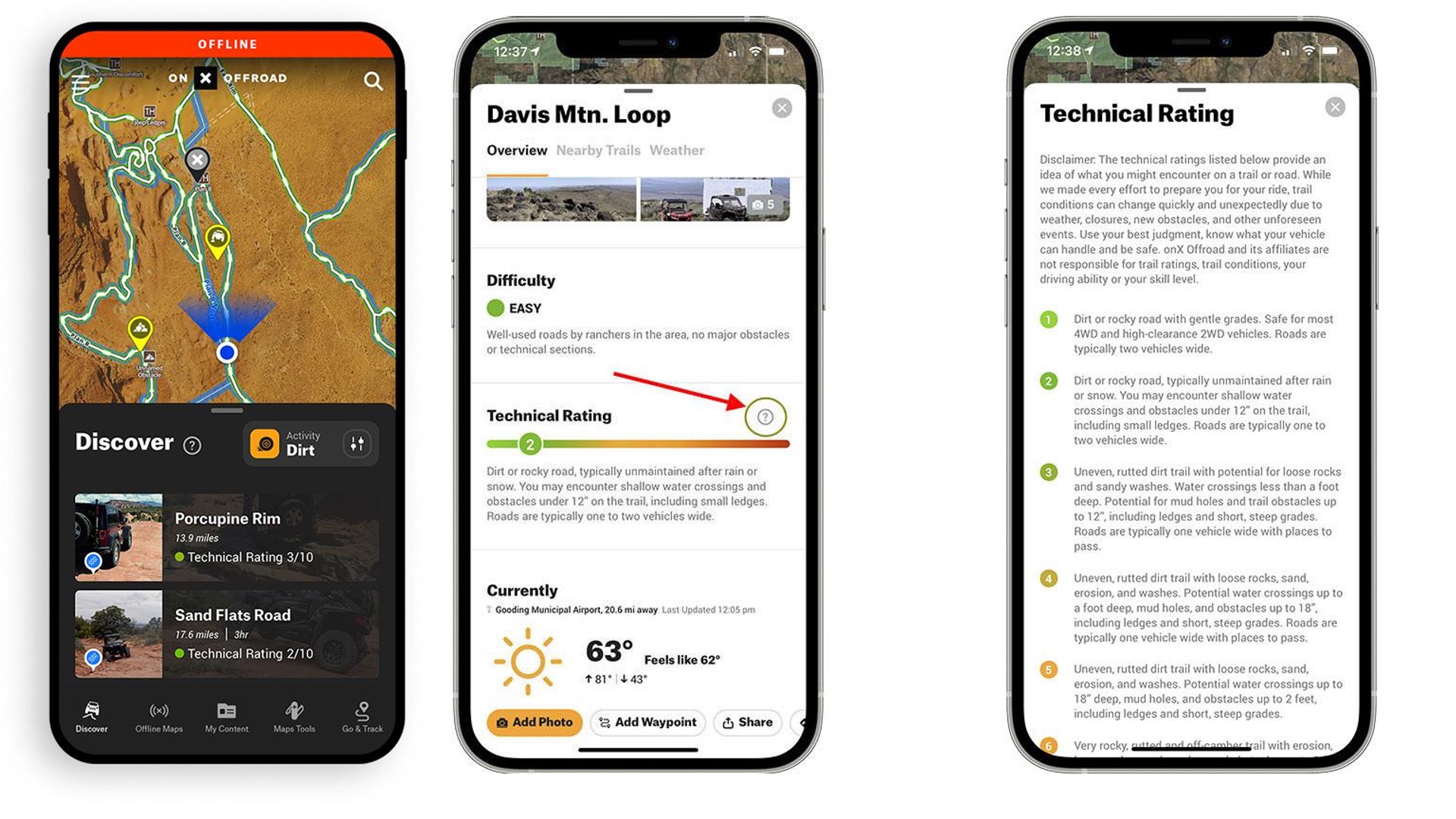
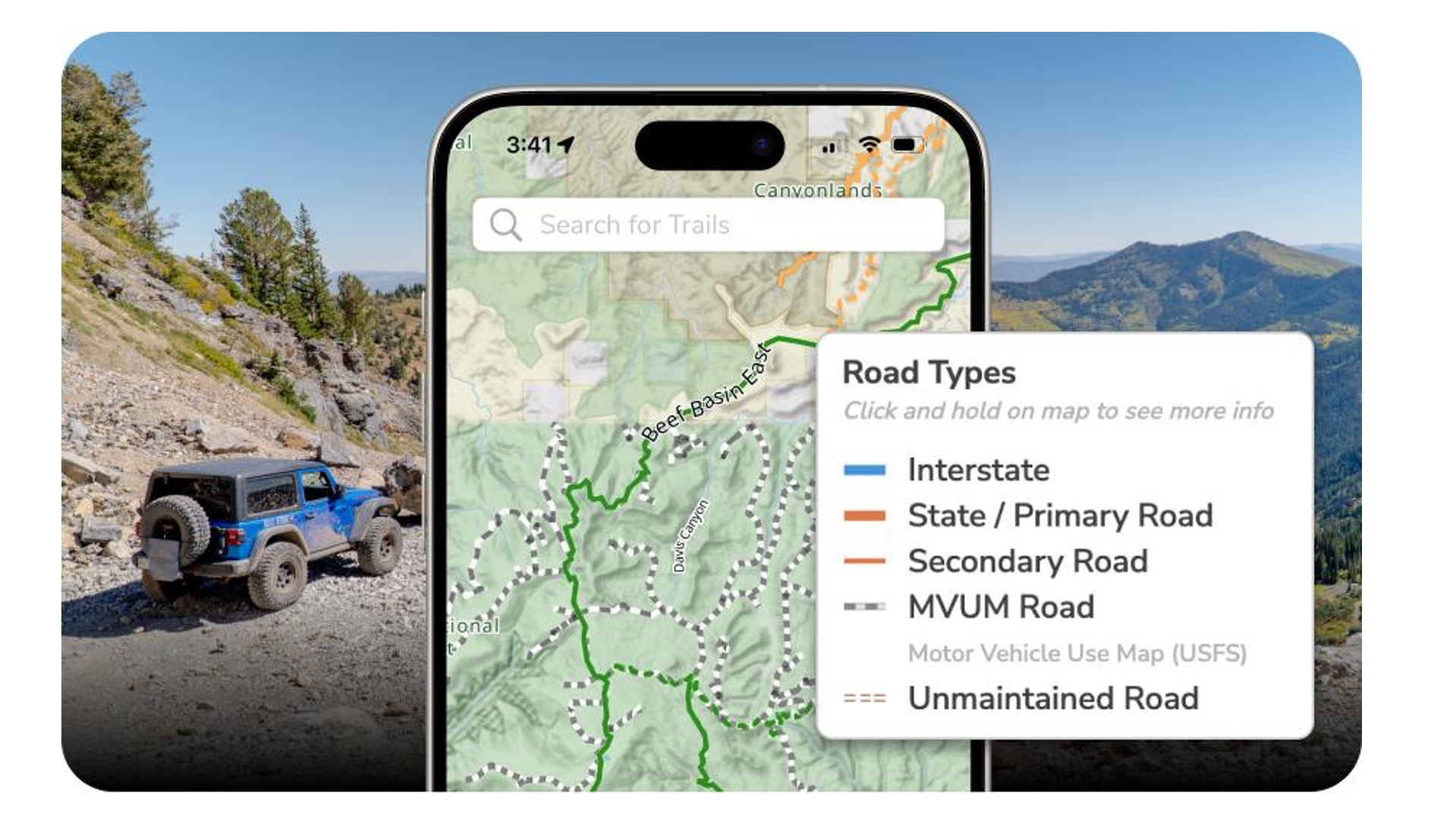
onX Offroad
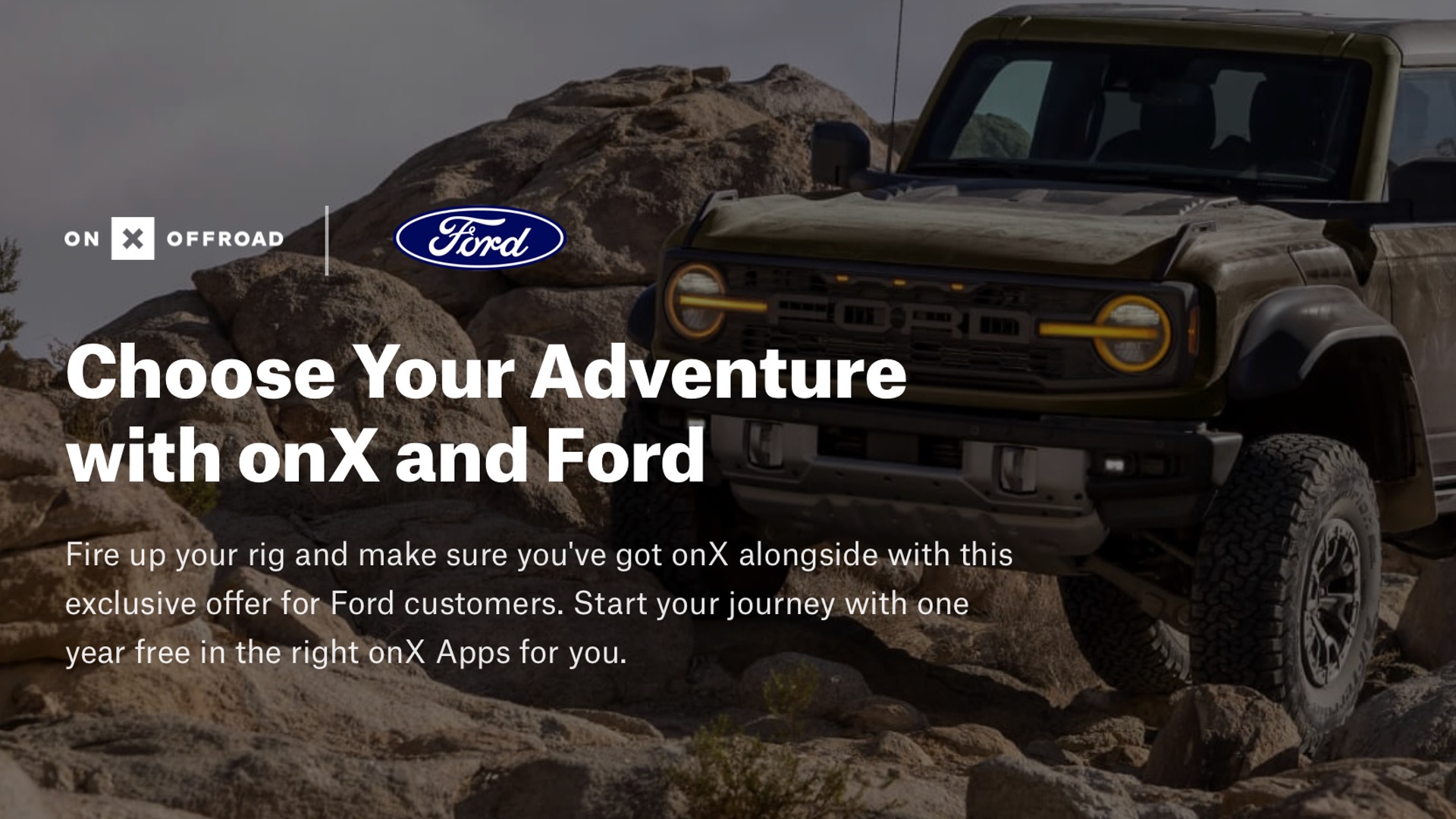
Bronco owners have a great opportunity to try this app free for one year as long as you have not previously or currently have it. So, not only is this a great app but you can get an elite membership, along with a backcountry, hunting and fishing app, worth $355. Laura wrote all about the details in her recent article.
Brian and I do have and use this app and we are not alone. It is now likely the most popular among the off-roading community. OnX has quickly elevated from an app focused on hunters who needed to identify landowners, to a well-rounded off-road program. I like that it uses standard file types so sharing is easy, even between programs. It’s intuitive and has a large database of trails. It does give trail ratings but I give the caveat that users have influence over these, so proceed with caution. One person’s easy may not be true to others. Also, unless users are updating the route with trail reports, which are great and easy to do, the information is static to the person who created it. It is also CarPlay friendly, so you can display it on your Bronco screen.
Cost:
• Free version available
• Premium: $34.99/year
• Elite: $99.99/year (free one year for Ford 2017 and newer owners)
Drawbacks:
• Full functionality locked behind subscription
• Limited customization compared to advanced mapping apps
Best for: Trail discovery + plug-and-play navigation
Gaia GPS (my favorite app)
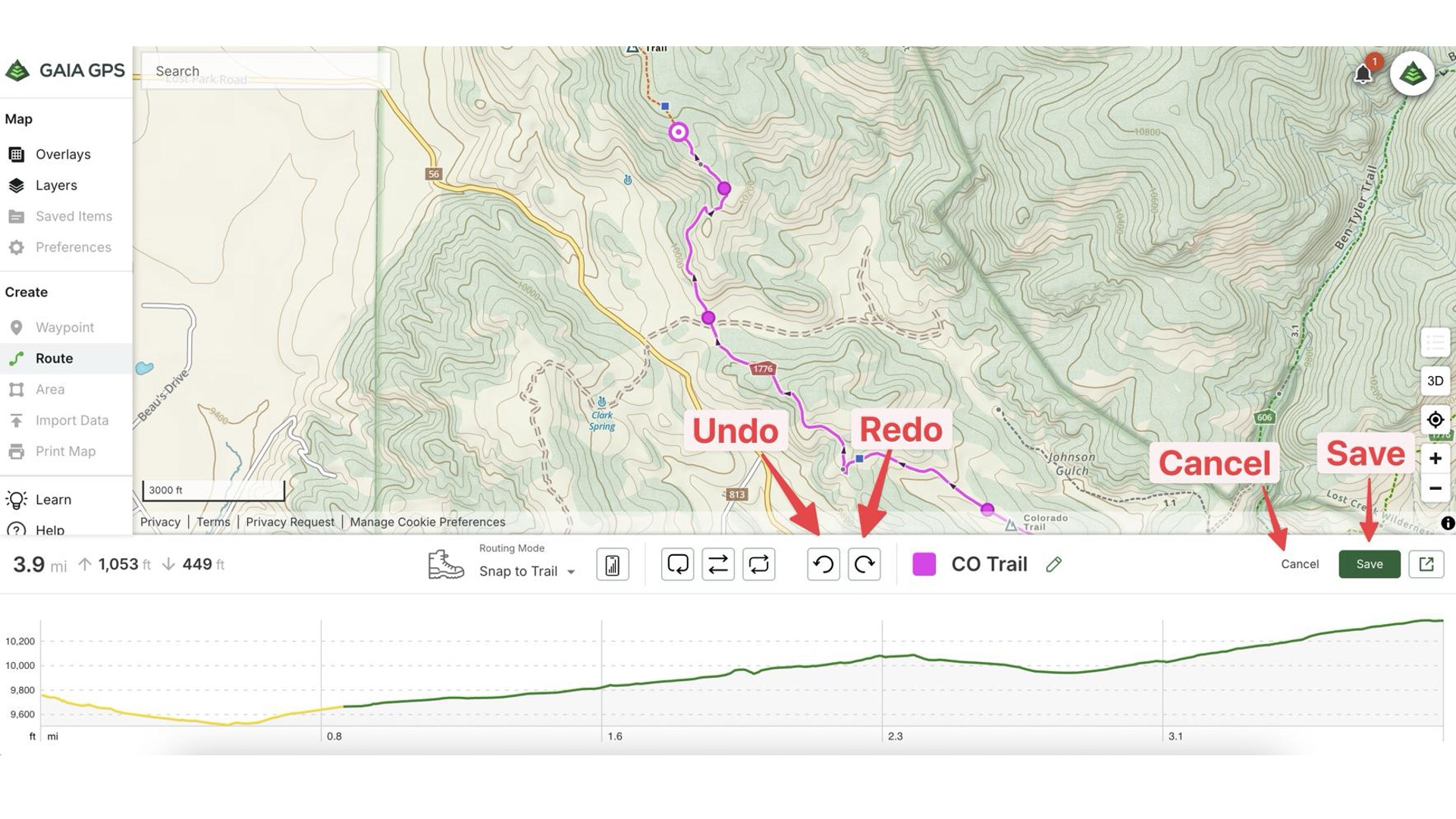
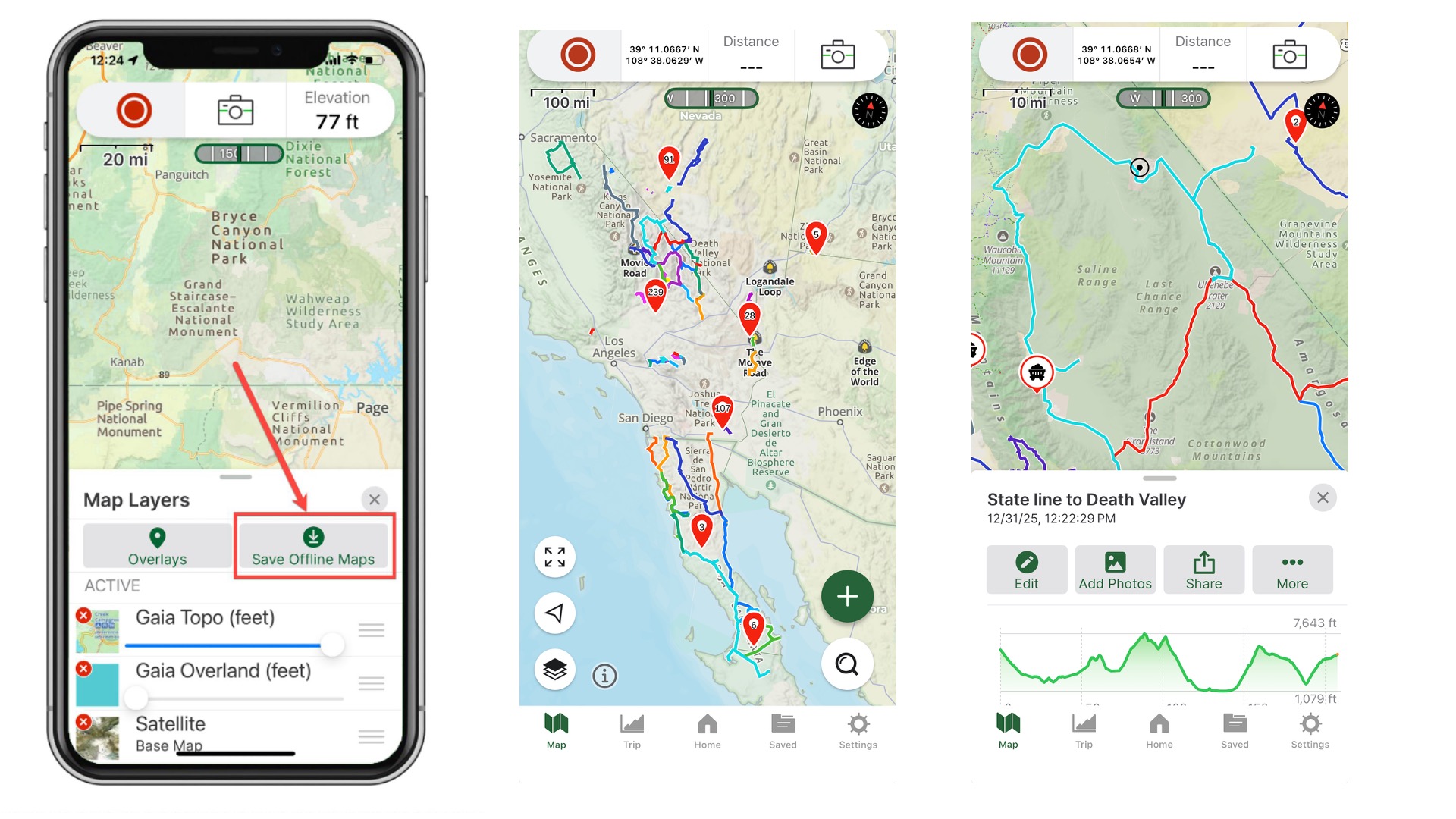
We started using Gaia years ago and we have become proficient at it, using it constantly both on and off-road, and even at home. We record and re-record routes, drop pins on sites of interest, and seem to have mapped huge swaths of Nevada, California, and Utah. We can easily review the routes to see when we drove the trail and how long it took, even seeing paths that we took through open OHV areas like sand dunes.
Gaia too has off-line capabilities, and you can download some great layers to give your maps your desired look and information. The maps on mine and Brian’s phones look very different based on how we want to see the terrain. We share the app subscription, so if I record the route, Brian can see it on his phone or choose to archive it.
The desktop version is very handy, I use it as a scouting device, looking at potential routes all over the country and designing trail days in advance of our visit. It has fewer prepared routes than onX and there no trail ratings are listed, so I would recommend this app for those who like designing routes rather than just following. Gaia is also CarPlay friendly. And, it works great for us in Baja, helping us identify very remote trails.
Cost:
• Free basic version (very basic)
• Premium: ~$40/year
Trails Offroad
I’m not as familiar with this app but please share in the comments if it’s one you really like. From my research, it appears to have lots of detailed information about the more common off-roading routes in the U.S. and is probably best for planning your trip to popular areas like Moab. It has a smaller trail database than onX and the navigation isn’t as robust as Gaia but it does give good waypoints and obstacle descriptions along with photos.
Cost:
• ~$25–$35/year
AllTrails
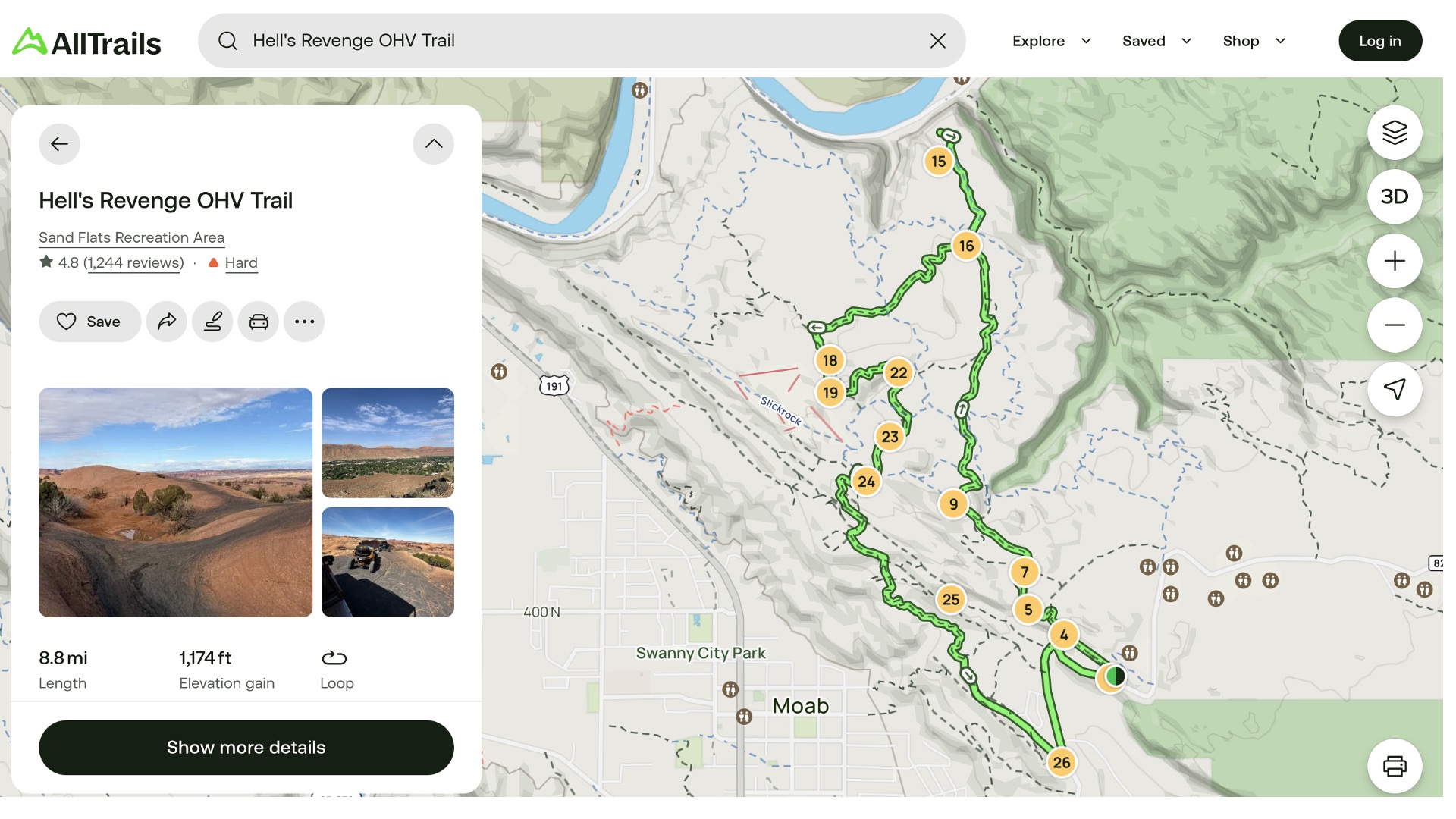
I’ve considered subscribing to this app because when I’m researching routes online, I usually get a link to AllTrails to learn more, only to eventually being locked out because I don’t have a membership. AllTrails, as the name implies, is not limited to the off-road community as many hiking trails are also included. This can be useful for Bronco owners who are using their vehicle to get to the trailhead. Users regularly contribute to the database and it’s been around for a while, so that database is huge. It’s also easy to use.
Cost:
• Free version
• AllTrails+: ~$35/year
Key Features That Matter
Offline Usage (Non-Negotiable)
If your app doesn’t work without service, it’s not trail-ready. The best apps let you download maps ahead of time and still track your position using GPS.
Trail Ratings
Knowing whether a trail is “easy scenic” or “locker-required” is critical. Apps with curated ratings help you:
• Match trails to your Bronco or Bronco Sport build
• Avoid getting in over your head
• Plan group-friendly routes
Ease of Use
onX Offroad: Easiest to learn
Gaia GPS: Most powerful but complex
Trails Offroad: Best balance for planning
File Types & Sharing
Most off-road apps support GPX files so you can share routes between apps, waypoints with camping, obstacles or trailheads, the tracks you’ve recorded, and your planned routes. This cross-compatibility is critical when your trail group isn’t all running the same app or if you want to get info from friends who live in off-road rich areas.
Real-World Insight from the Community
Many experienced off-roaders don’t rely on just one app. A common setup looks like:
onX Offroad: Discover trails
Trails Offroad: Research obstacles and conditions
Gaia GPS: Build and track routes
Each fills a different role, and together, they create a powerful navigation system.
Final Thoughts: Why It Matters
An off-road app isn’t just about convenience, it’s about:
Safety (knowing where you are)
Access (staying on legal trails)
Confidence (matching terrain to skill level)
What Do You Use?
Please share in the comments what you’re navigation set up is and what you like best about it.
Comments
You must log in or register to post here.